> ## Documentation Index
> Fetch the complete documentation index at: https://docs.payracle.com/llms.txt
> Use this file to discover all available pages before exploring further.
# Getting Started
> Overview of the Payracle API
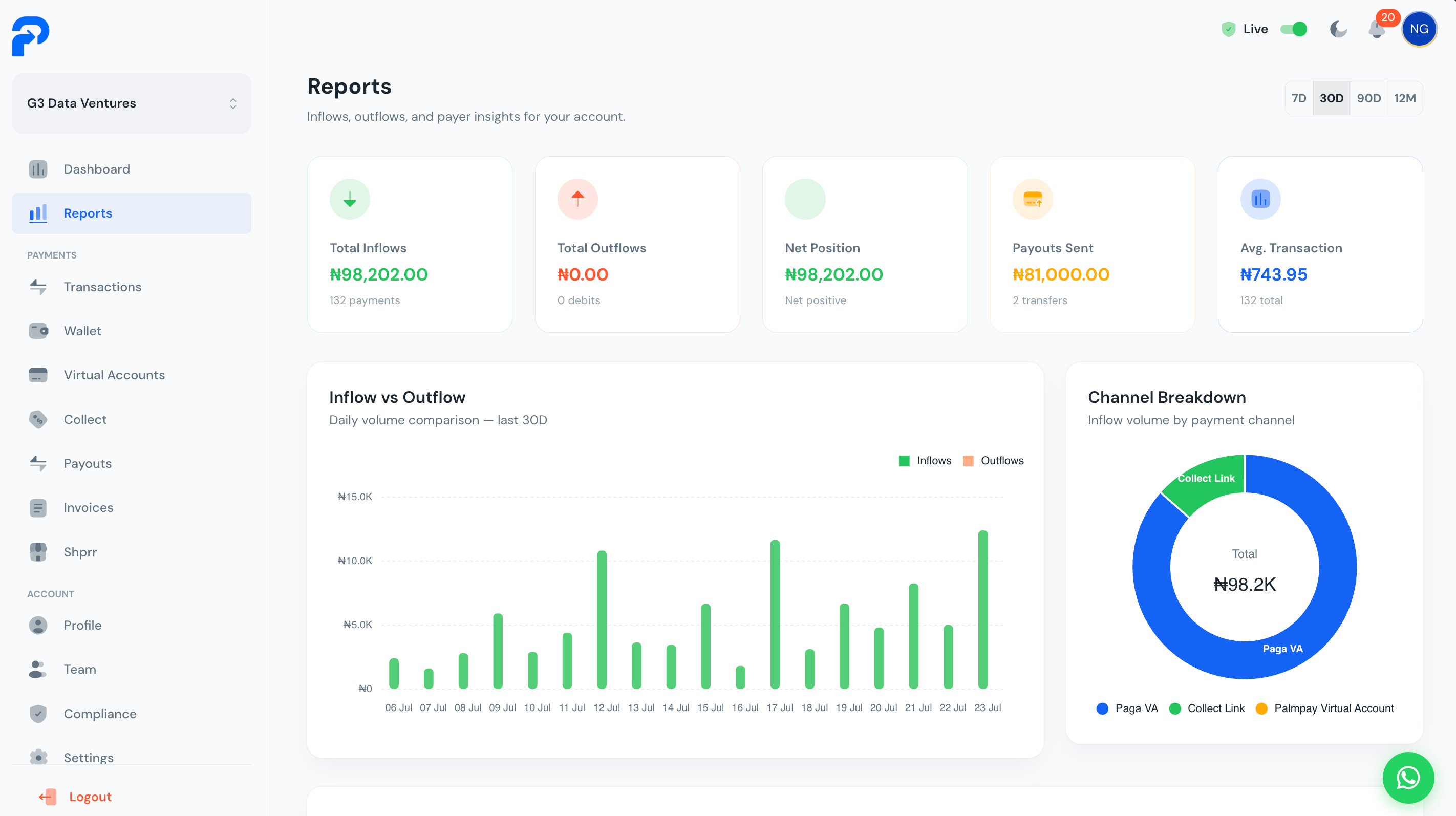
Welcome to the Payracle API. This documentation covers everything available for accepting payments: persistent per-customer virtual accounts, one-time dynamic checkout accounts, and the webhooks that notify you when money moves.
 Base URL: `https://api.payracle.com/api/v1`
Public vs secret keys, live/test mode
Persistent, per-customer bank accounts
One-time payment sessions
Real-time payment notifications
## Environments
Payracle supports two environments — **Sandbox** and **Live**. Use Sandbox to test integrations without processing real transactions; switch between modes in your dashboard. Each mode has its own pair of API keys (a `pk_test_`/`sk_test_` pair and a `pk_live_`/`sk_live_` pair) — Payracle detects which environment you're in automatically from which key you send, no separate mode flag needed.
## Authentication at a glance
Every request needs a Bearer token — but which key you use depends on where the call is made from:
* **Secret key** (`sk_live_...` / `sk_test_...`) — your own backend only. Can call every endpoint.
* **Public key** (`pk_live_...` / `pk_test_...`) — safe for client-side code (browser, mobile app). Can *only* initialize a checkout.
See [Authentication](/authentication) for the full picture, including the `X-Business-ID` header the public key requires.
## Integrating
* Building a checkout button on a website? Start with the [JavaScript widget](/sdks/javascript).
* Building a mobile app? Use the [Flutter](/sdks/flutter) or [React Native](/sdks/react-native) SDK.
* Issuing your customers their own reusable bank account numbers? See [Virtual Accounts](/virtual-accounts/create).
* Want to know the instant a payment lands? Set up [Webhooks](/webhooks/overview).
Base URL: `https://api.payracle.com/api/v1`
Public vs secret keys, live/test mode
Persistent, per-customer bank accounts
One-time payment sessions
Real-time payment notifications
## Environments
Payracle supports two environments — **Sandbox** and **Live**. Use Sandbox to test integrations without processing real transactions; switch between modes in your dashboard. Each mode has its own pair of API keys (a `pk_test_`/`sk_test_` pair and a `pk_live_`/`sk_live_` pair) — Payracle detects which environment you're in automatically from which key you send, no separate mode flag needed.
## Authentication at a glance
Every request needs a Bearer token — but which key you use depends on where the call is made from:
* **Secret key** (`sk_live_...` / `sk_test_...`) — your own backend only. Can call every endpoint.
* **Public key** (`pk_live_...` / `pk_test_...`) — safe for client-side code (browser, mobile app). Can *only* initialize a checkout.
See [Authentication](/authentication) for the full picture, including the `X-Business-ID` header the public key requires.
## Integrating
* Building a checkout button on a website? Start with the [JavaScript widget](/sdks/javascript).
* Building a mobile app? Use the [Flutter](/sdks/flutter) or [React Native](/sdks/react-native) SDK.
* Issuing your customers their own reusable bank account numbers? See [Virtual Accounts](/virtual-accounts/create).
* Want to know the instant a payment lands? Set up [Webhooks](/webhooks/overview).